Mood calendar
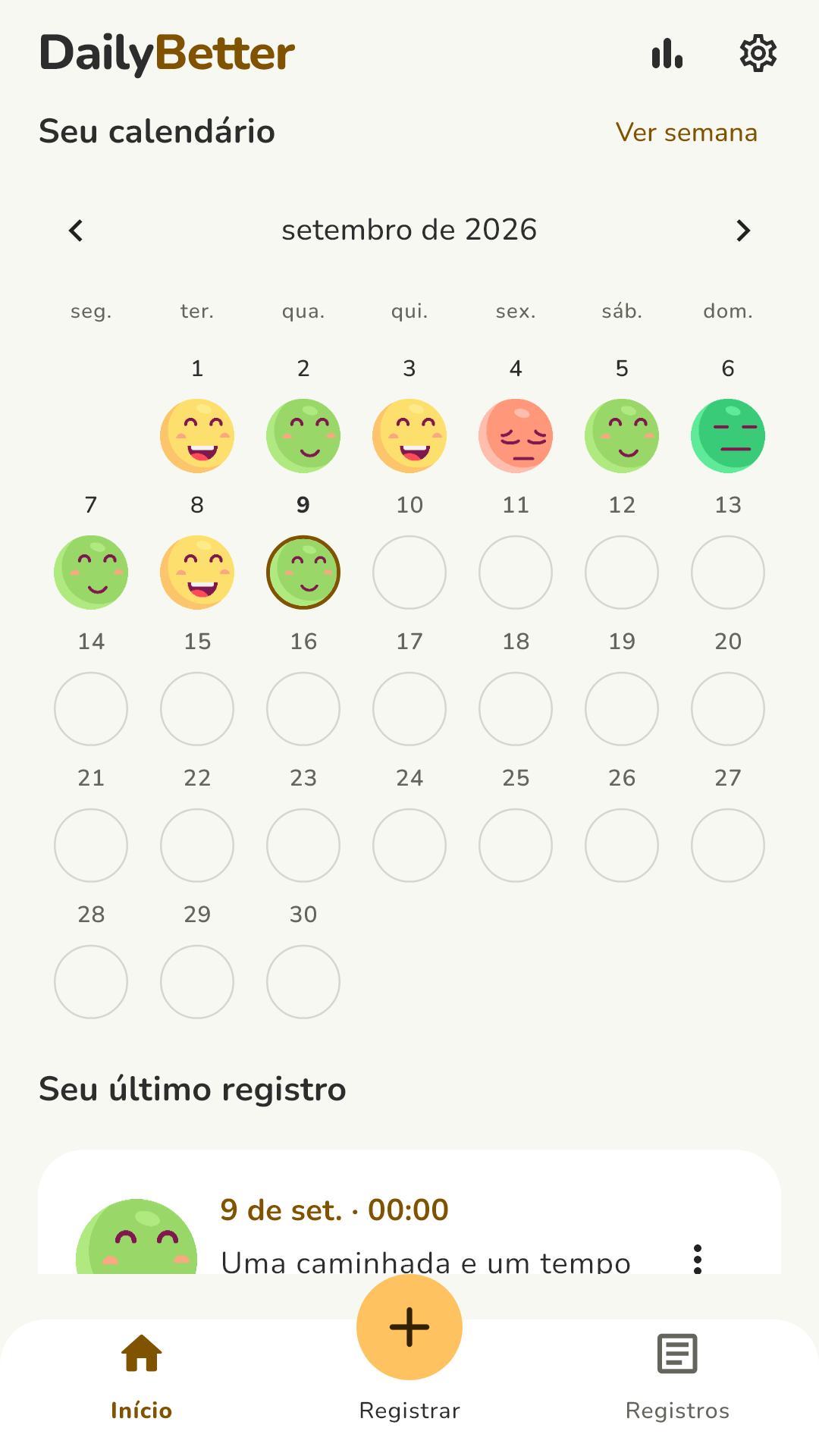
Every logged day gets its face. At a glance you see how your month went, and you can open any day to reread what you wrote.
Mood tracker for Android
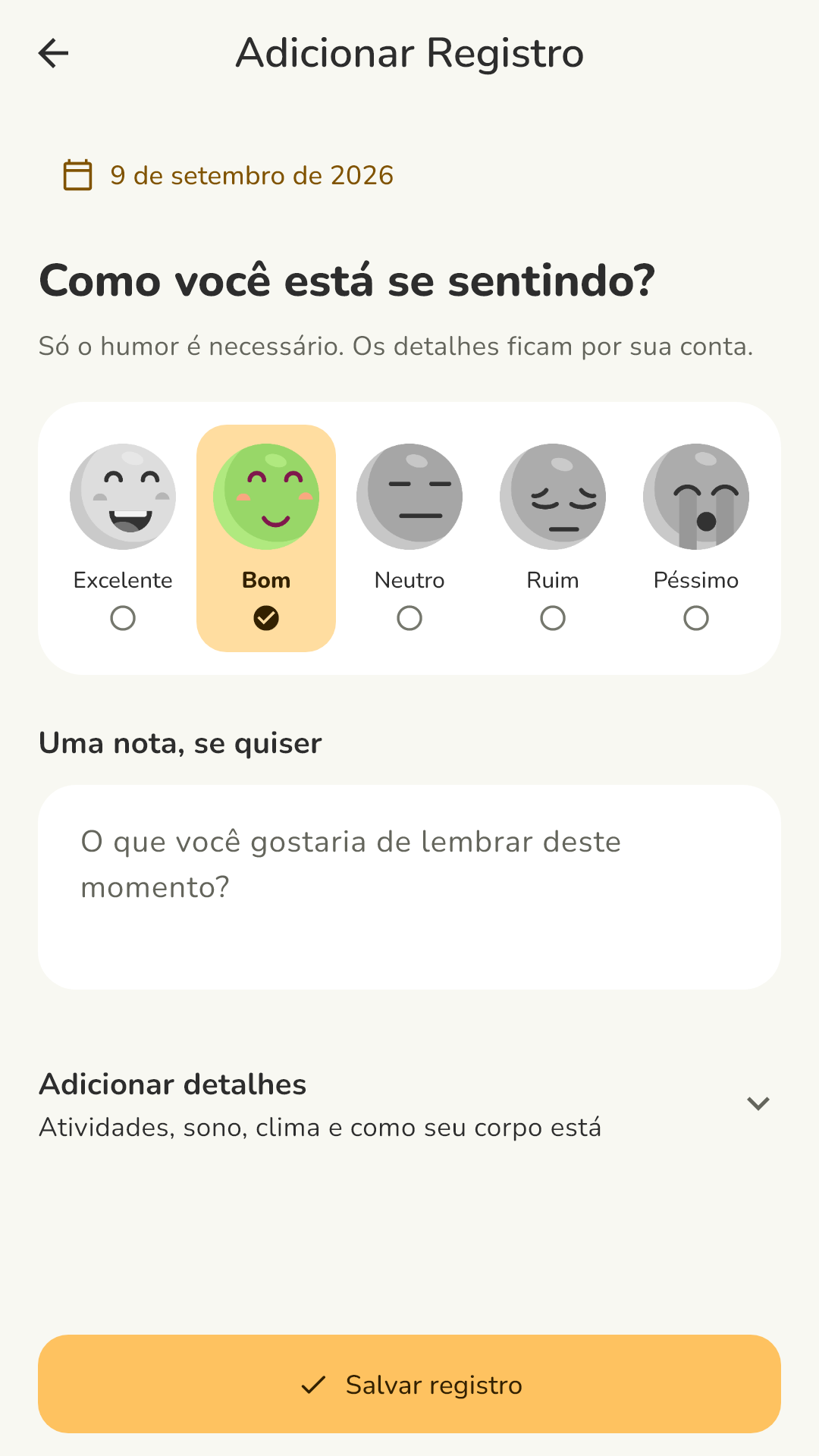
Log how you feel in a few seconds with a single face. Add a note about what happened if you like. Over time, the calendar and charts show how your days change.
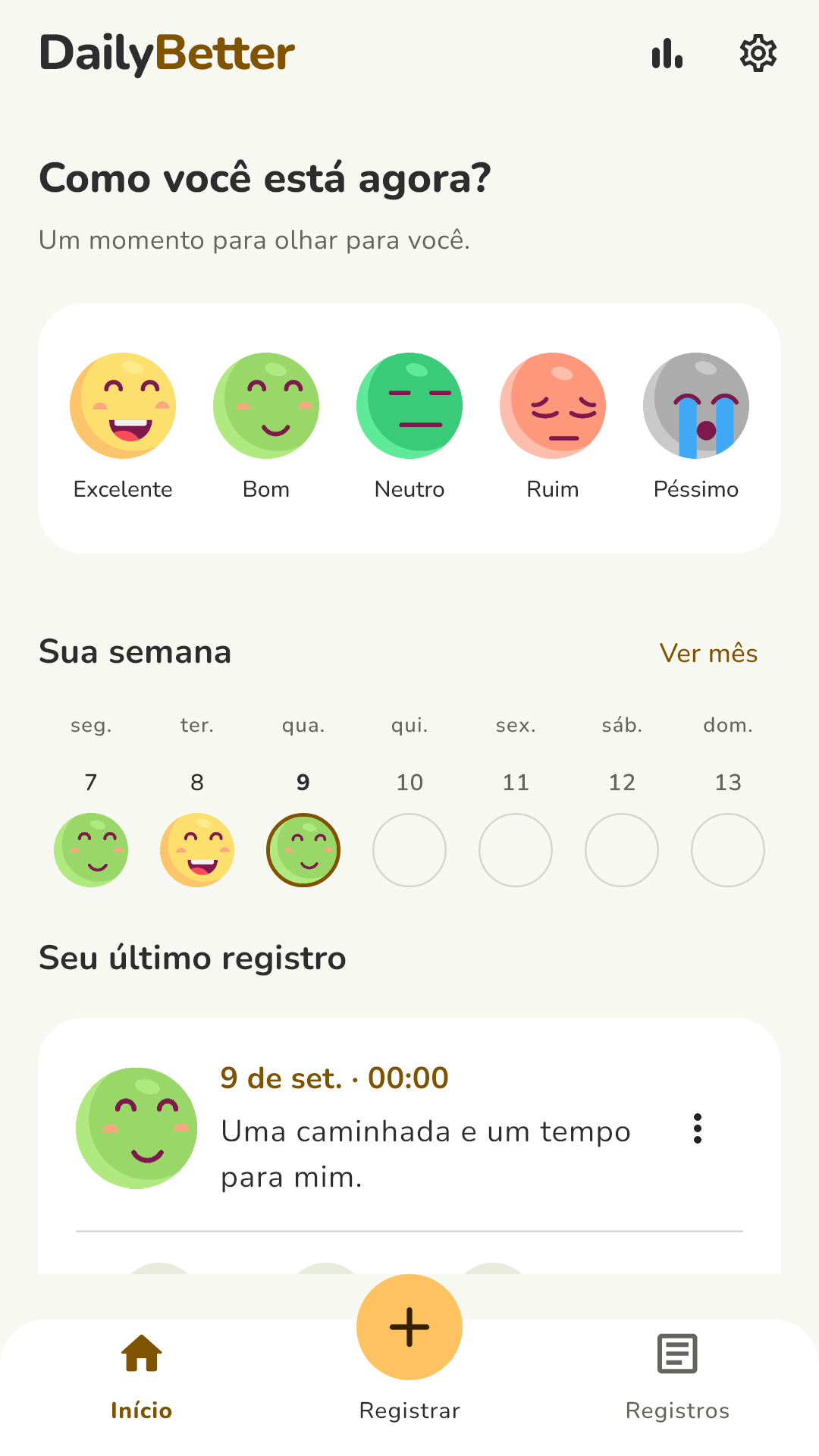
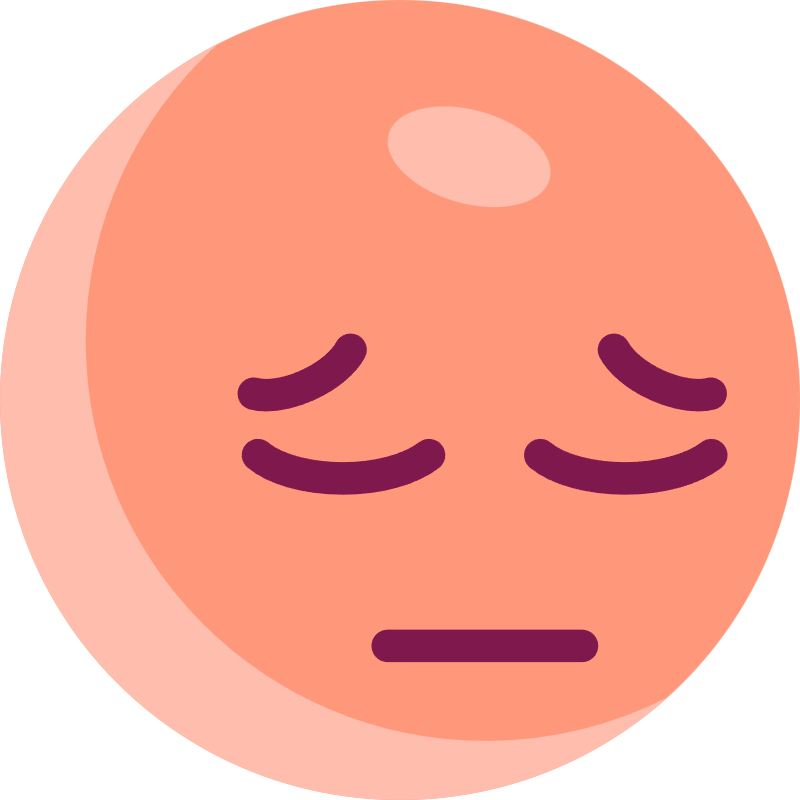
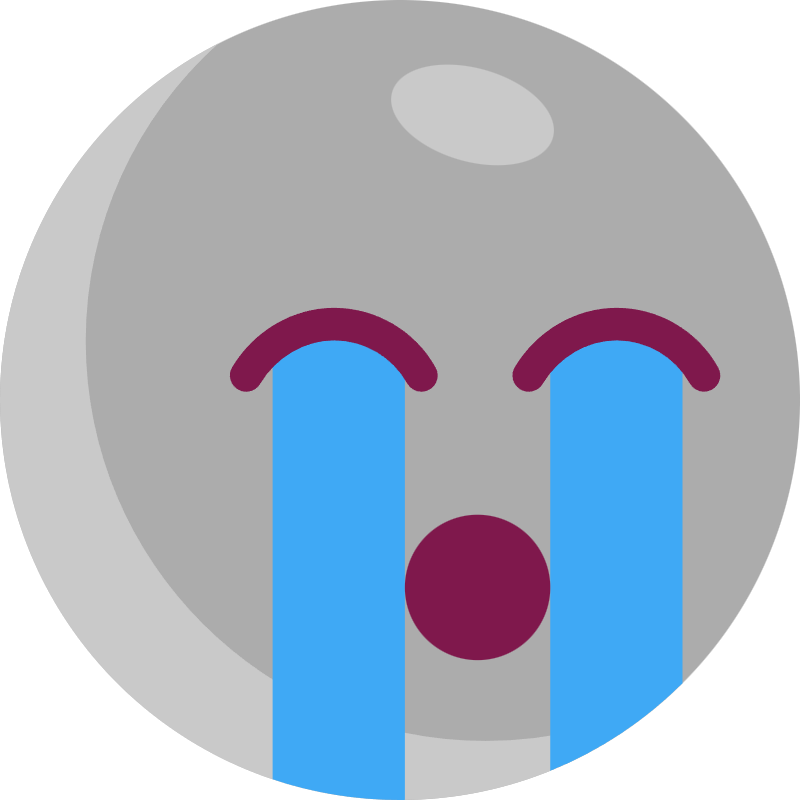
Five faces, from Excellent to Terrible.
Every day has room here, the hard ones too.



An entry can take five seconds. You decide how much to share.
Tap one of the five faces. That alone is a complete entry.
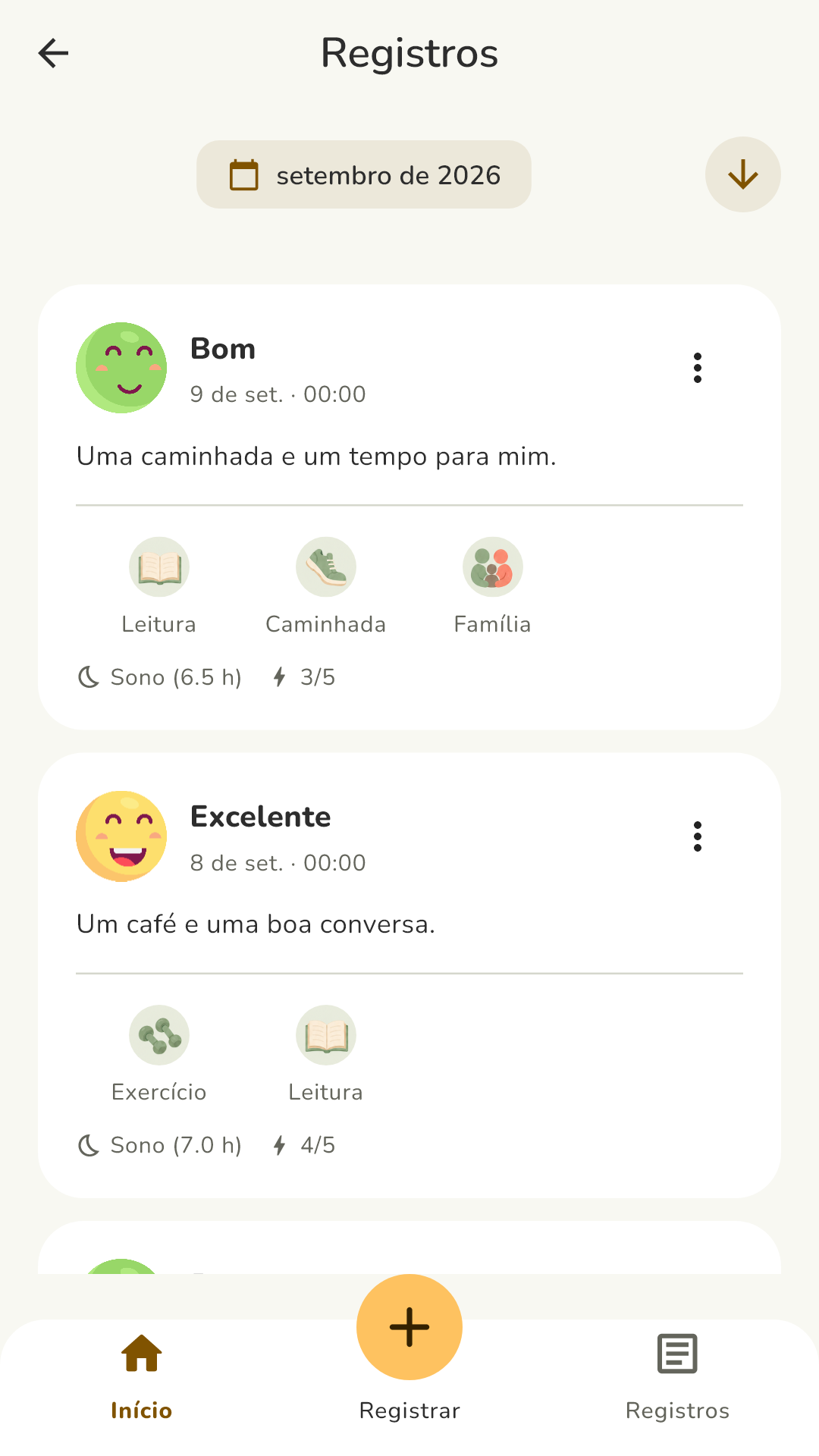
A note, what you did today, how you slept and your energy level. All optional.
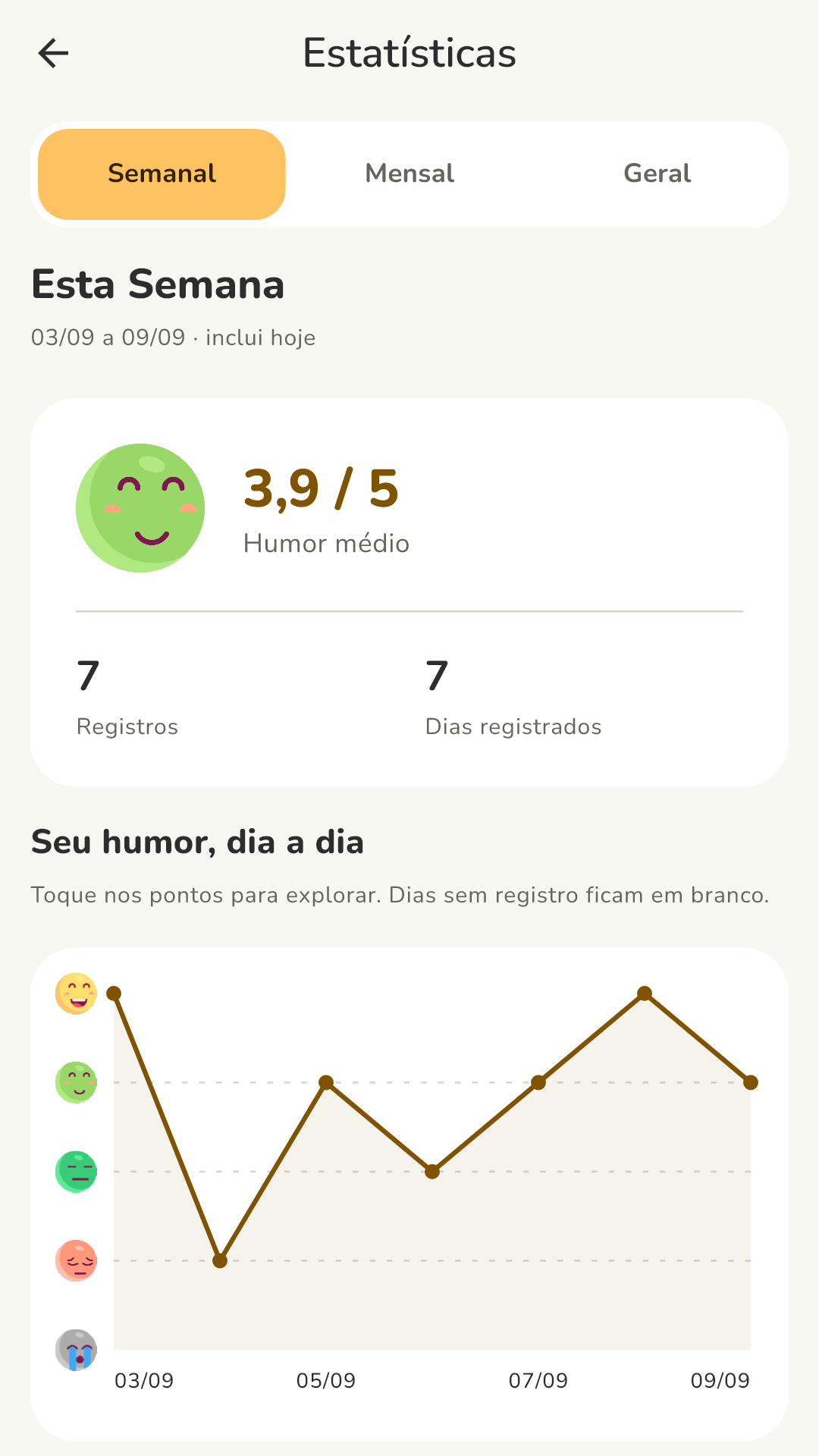
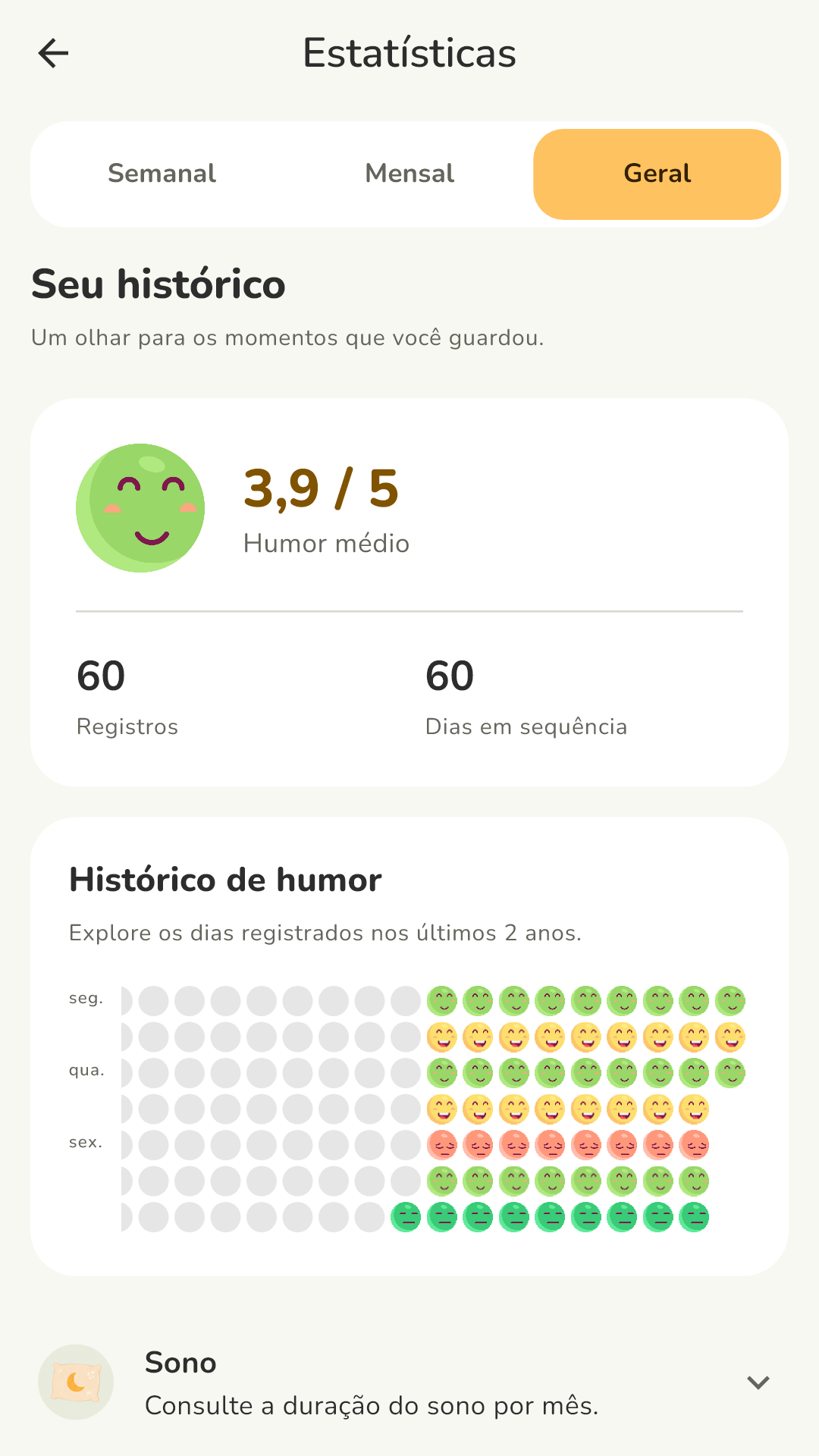
See your days on the calendar and in weekly and monthly charts, and notice what tends to shape your mood.
Tap a face to see how it works in the app.
Glad to hear it. Hold on to a bit of this moment.
This preview doesn't save or send your choice. To start your journal, get the app.
The more you log, the easier it is to notice what repeats: lighter weeks, poor nights of sleep, activities that do you good.
Every logged day gets its face. At a glance you see how your month went, and you can open any day to reread what you wrote.
Weekly and monthly charts and a color history show how your mood changes over time.
Write down what happened and what made a difference in your day, in your own words.
Capture the context of your day to understand what a face alone can't explain.
Pick a time and get a gentle nudge to log your day.
A simple interface with faces that are easy to recognize. Use the dark theme at night and the light one during the day, or whichever you prefer.
Showing the dark theme.
See more app screens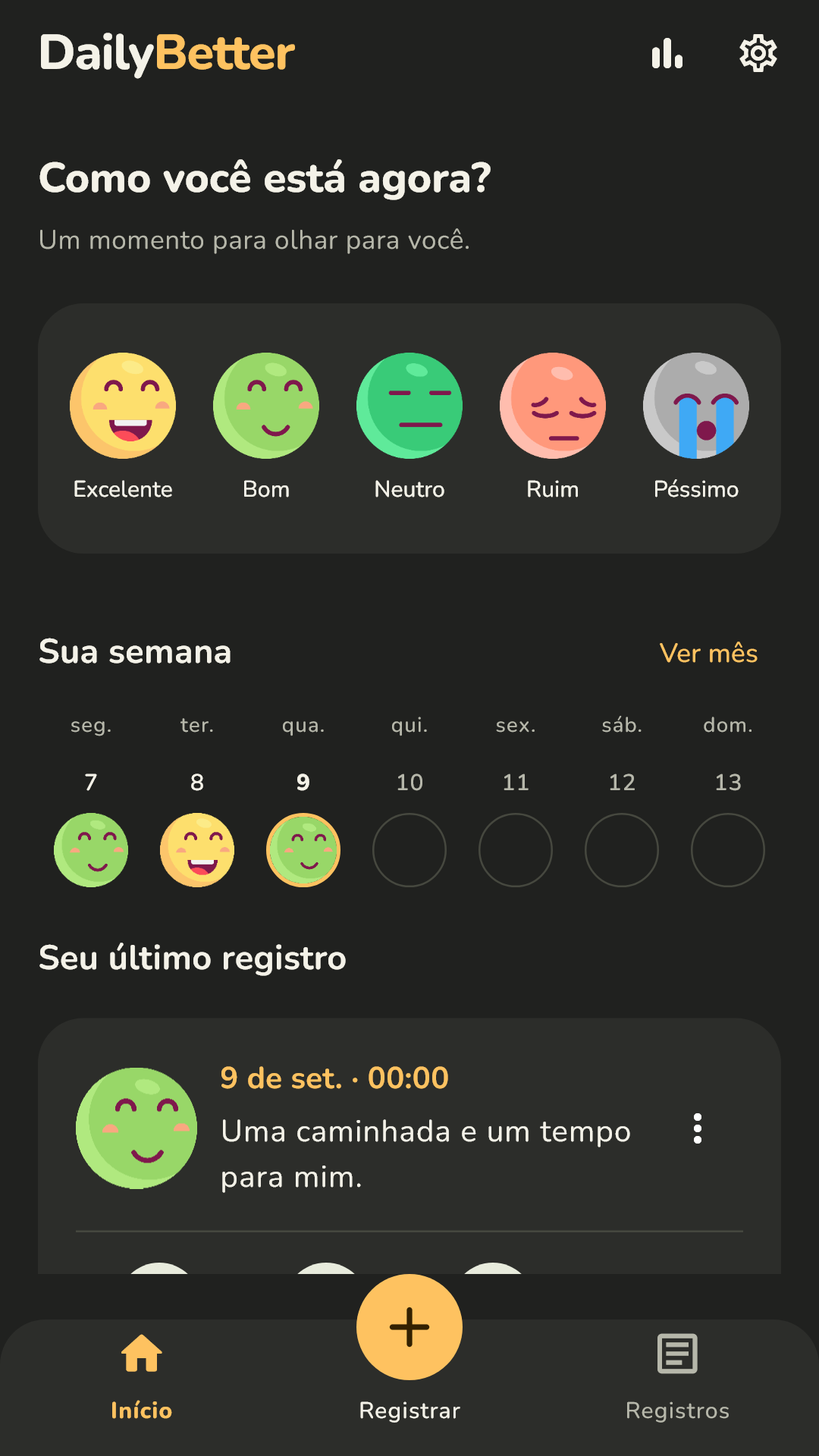
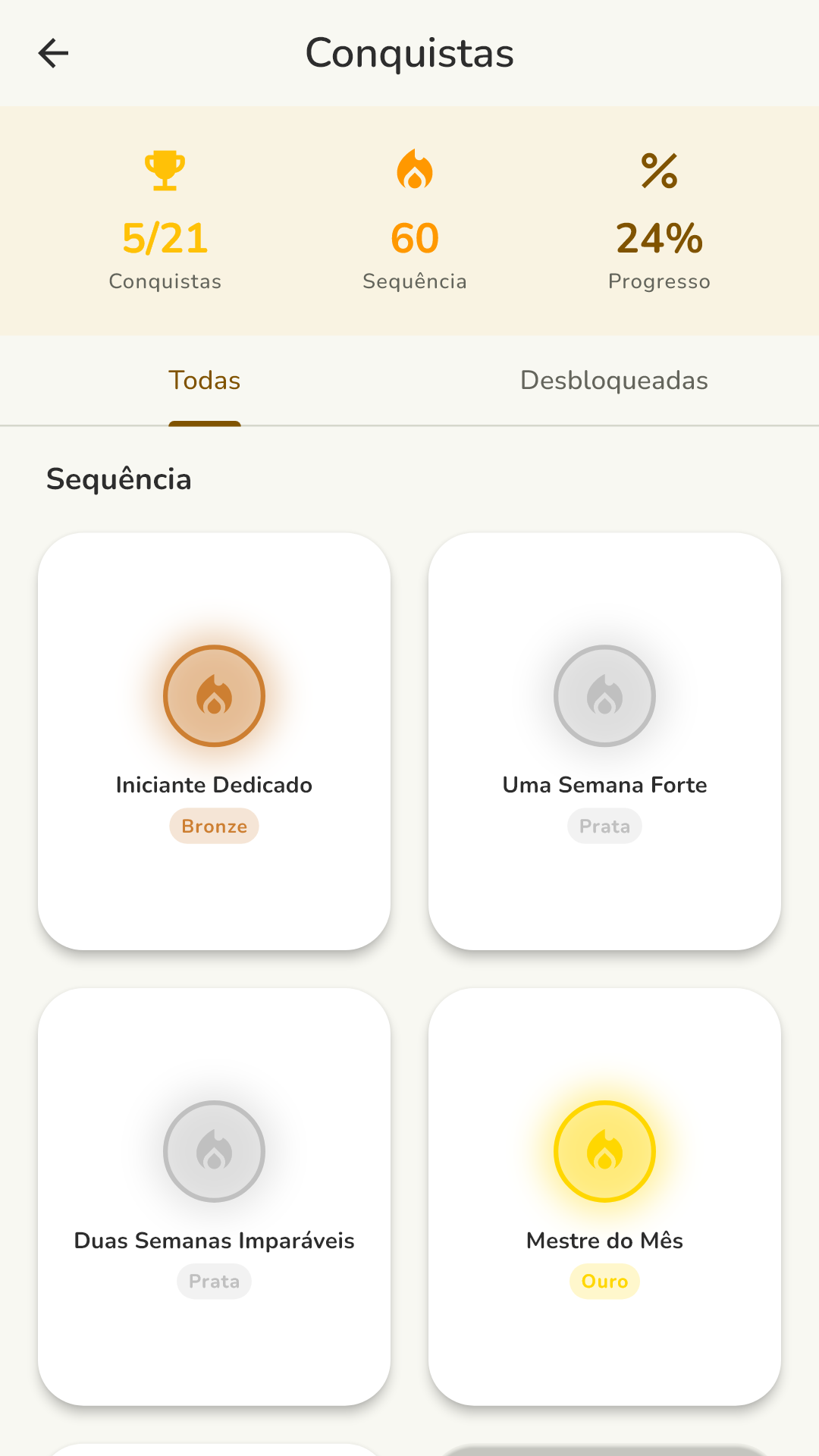
Real DailyBetter screens with sample entries, shown in Portuguese. Swipe to see more.
Entries are saved on your device, not on DailyBetter servers. No one but you reads what you write.
Read the Privacy PolicyDidn't find your answer? Get in touch.
Yes. The app is free, shows ads and has no subscription.
No. Log whenever it makes sense to you. More entries make patterns easier to see, but there is no daily goal and no penalty for skipping a day.
Yes. Picking a face is a complete entry. Notes, activities, sleep and energy are optional.
Export a backup from the app and keep the file wherever you like, such as Google Drive. On your new phone, install DailyBetter and import that file. If Google backup is turned on in Android, the system may also restore the app automatically. See the step-by-step guide.
No. DailyBetter is a journal for personal reflection. Its charts only show what you logged and are not a substitute for professional assessment or advice.
Get DailyBetter, log how you feel right now and watch your days take shape.
Get it on Google PlayFree for Android · No account needed